01Item lab
Build the inventory you want to see.
Search the unified catalogue, filter by category or paint, detect owned items, spawn local inventory entries, create visual swaps, save presets, and restore one item or everything at once.
A Windows customization and utility client for Rocket League. Build your inventory, tune your overlays, manage maps, and launch from one focused app.
Click through the app. Find your favorite tools.
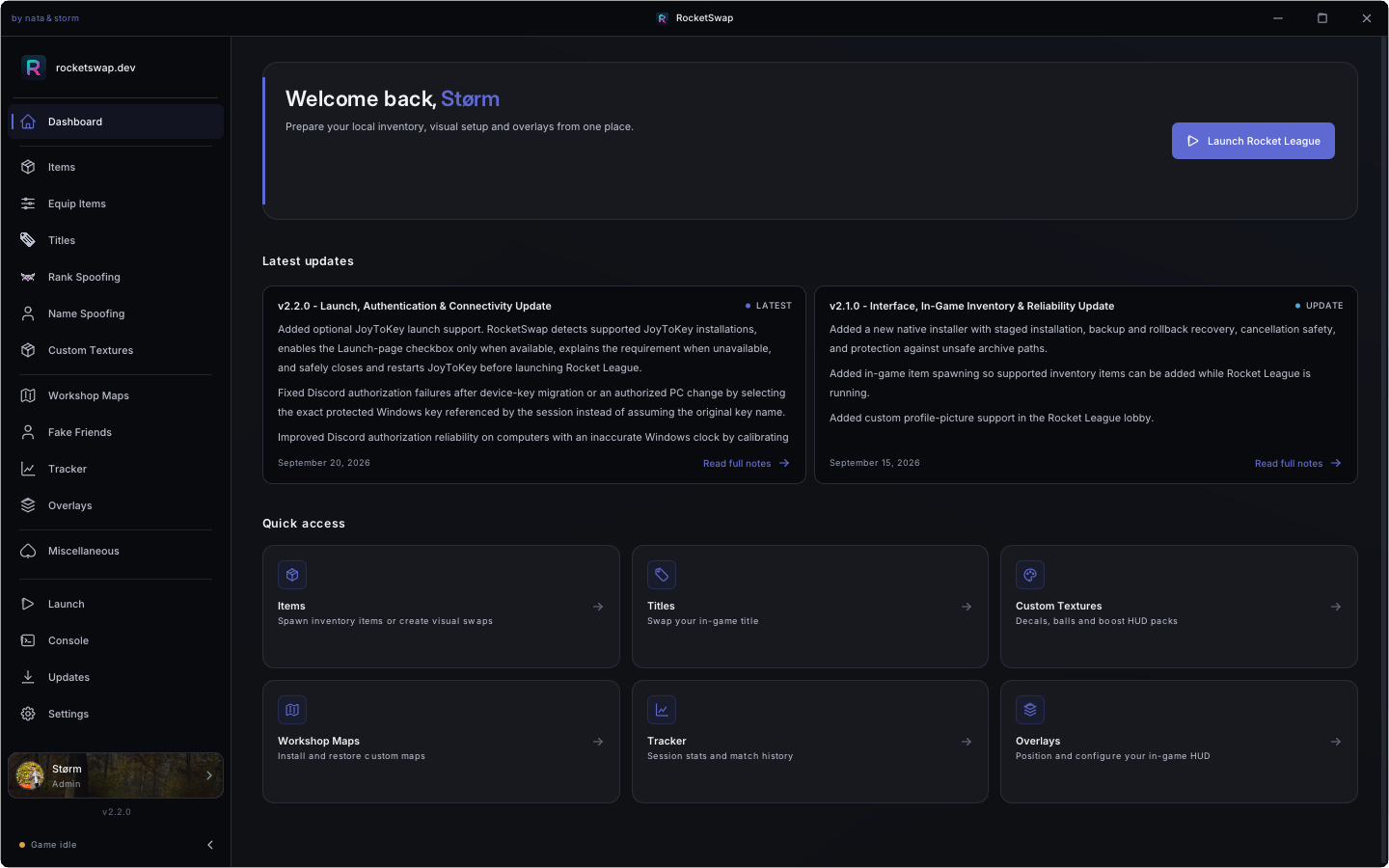
Rocket Swap brings the tools around Rocket League into a fast, focused desktop experience—without scattering your setup across separate utilities.
Search the unified catalogue, filter by category or paint, detect owned items, spawn local inventory entries, create visual swaps, save presets, and restore one item or everything at once.
Customize titles, rank, name, Fake Friends, car and arena colors, profile pictures, camera values, Force Arena, and Gold Rush—all from one place.
Track sessions and match history, then place configurable FPS, frame-time, rank, MMR, match, scoreboard, profile-picture, and input overlays exactly where you want them.
Manage custom decals, balls, boost HUD packs, and Workshop Maps. Installs use backups, rollback, and restore tools to keep every change easier to manage.
Build items, presets, colors, maps, and overlays around your setup.
Rocket Swap verifies the game, stages changes, and preserves recovery data.
Start through Epic Games, Steam, or Heroic with your selected tools active.
Launch-scoped changes are restored when the session ends or recovery is needed.
Rocket Swap is an independent community project. It is not affiliated with, endorsed by, or sponsored by Psyonix, Epic Games, or Rocket League.
Third-party mods are permitted only when they comply with the Epic Games Terms of Service and Rocket League Code of Conduct. Rocket Swap modifies local game and profile files and is not officially supported. Violating those rules may result in account restrictions or a permanent ban.
Use Rocket Swap entirely at your own risk and keep backups.